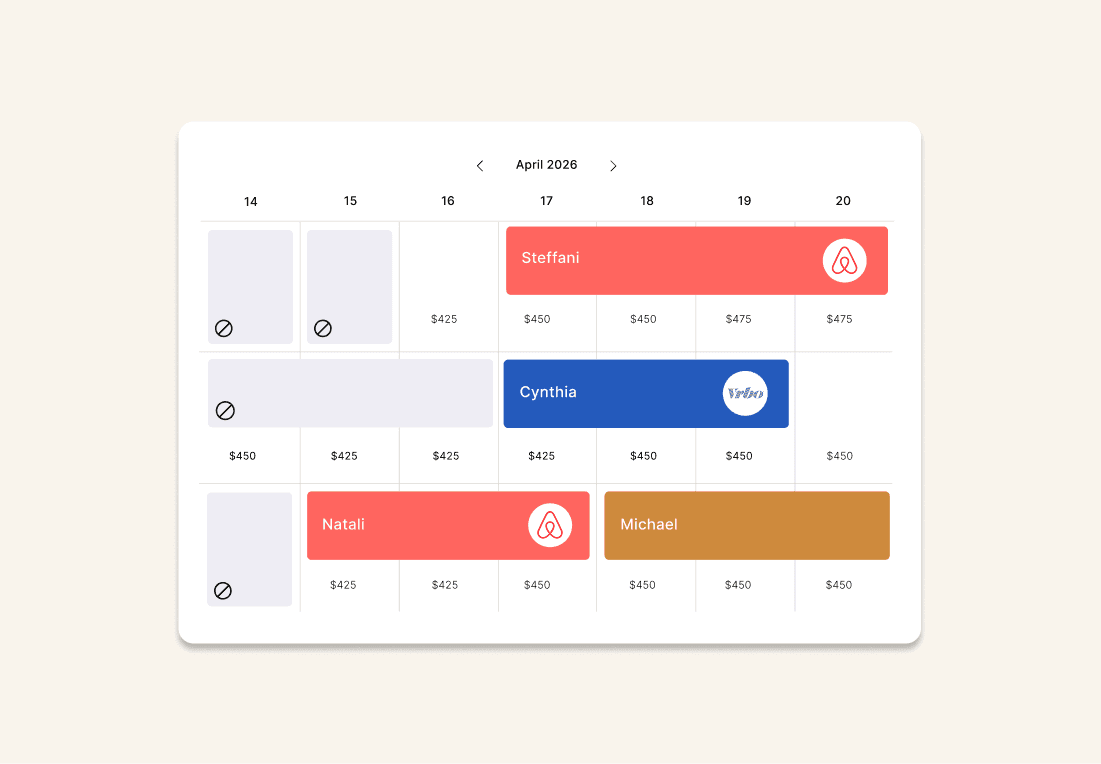
Booking Calendar
A live view of every booked night, owner stay, blocked date, and open night across all channels, with Average Daily Rate visible at a glance.
The Portoro Owner Dashboard gives you real-time access to your home's performance, financials, reservations, and more.
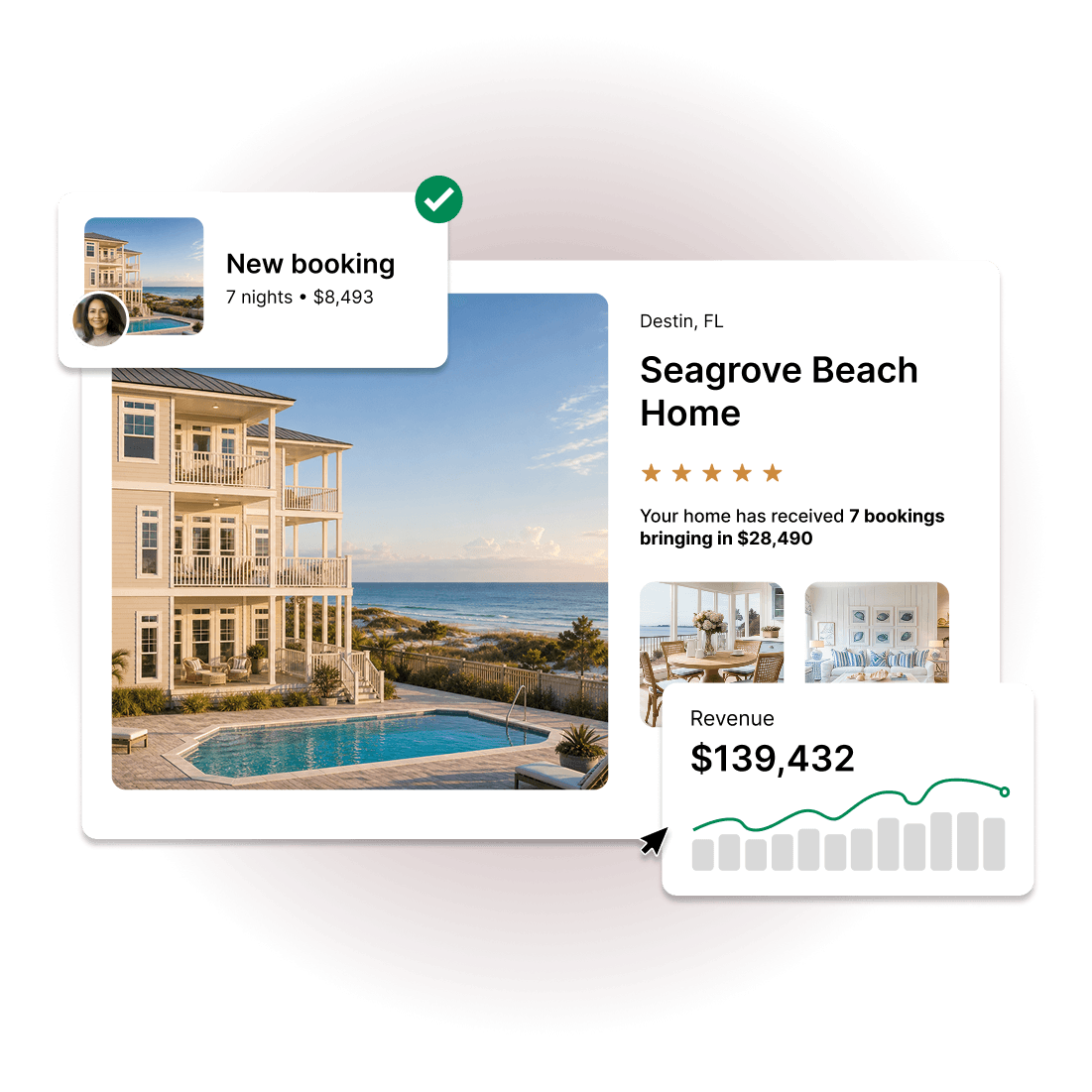
From your first booking to your monthly statement, the Owner Dashboard surfaces what matters without requiring you to ask for it.
A live view of every booked night, owner stay, blocked date, and open night across all channels, with Average Daily Rate visible at a glance.
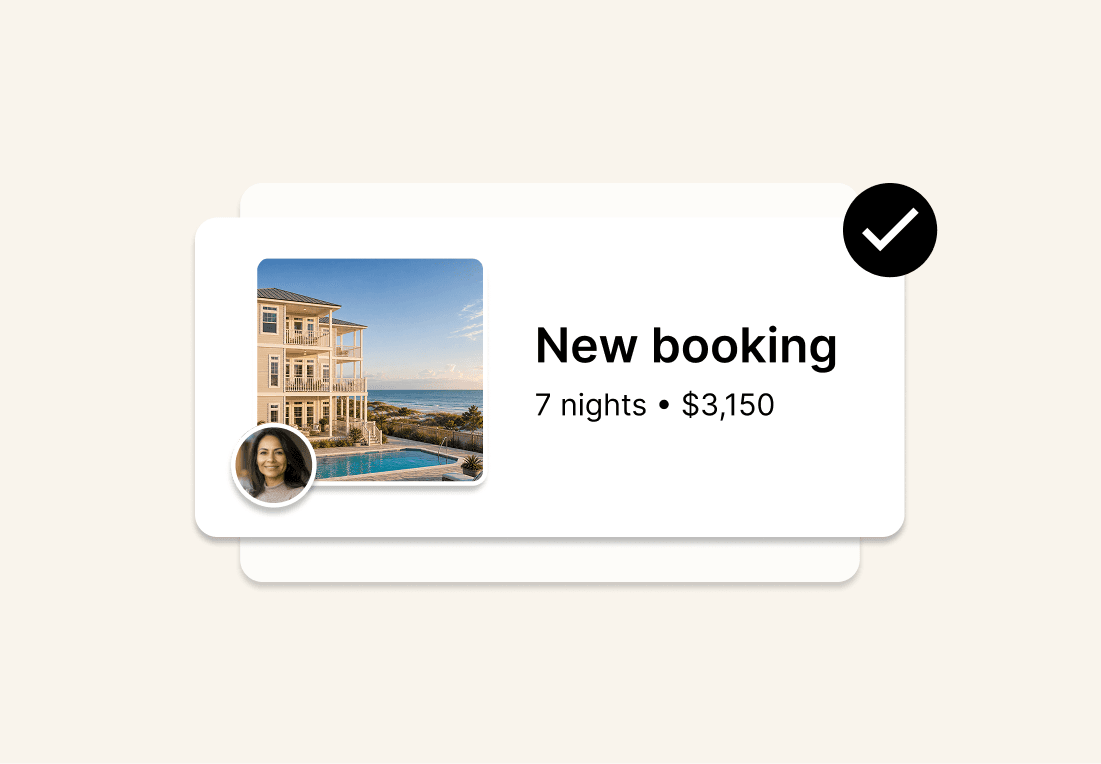
Every reservation shows the dates, guest count, gross income, net owner revenue, and the channel it came through.
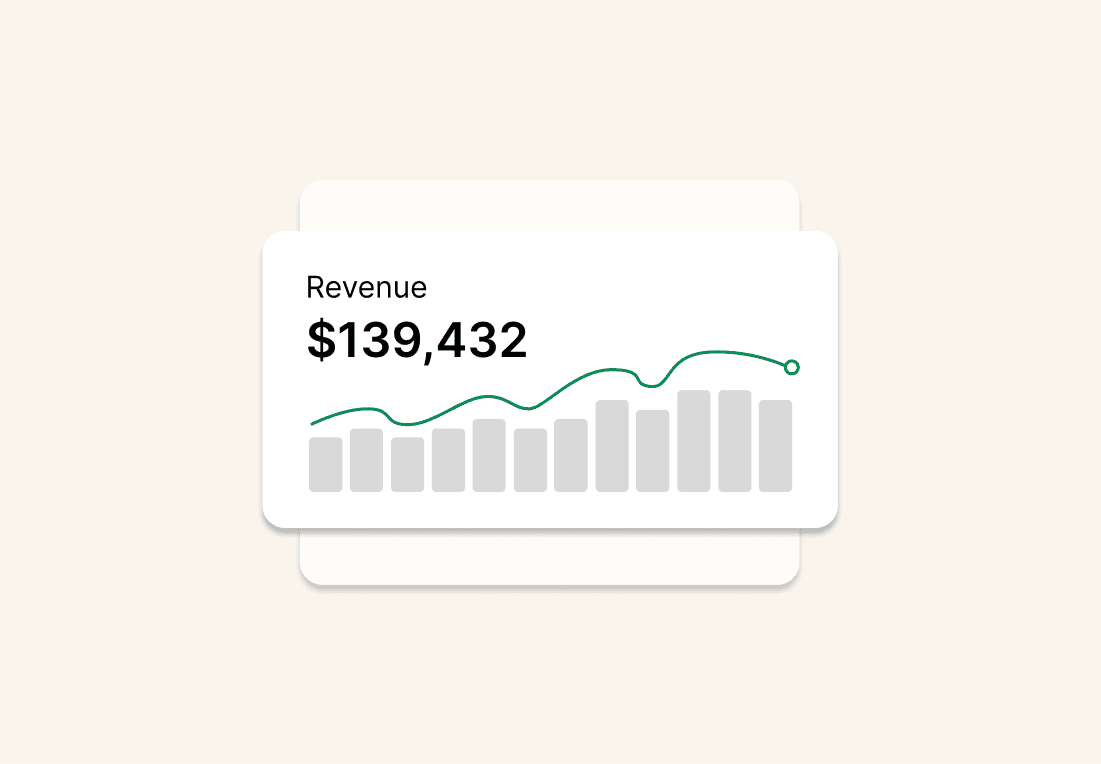
Itemized monthly statements are released by the 15th of every month, showing rental income, commissions, other fees, and any property expenses.
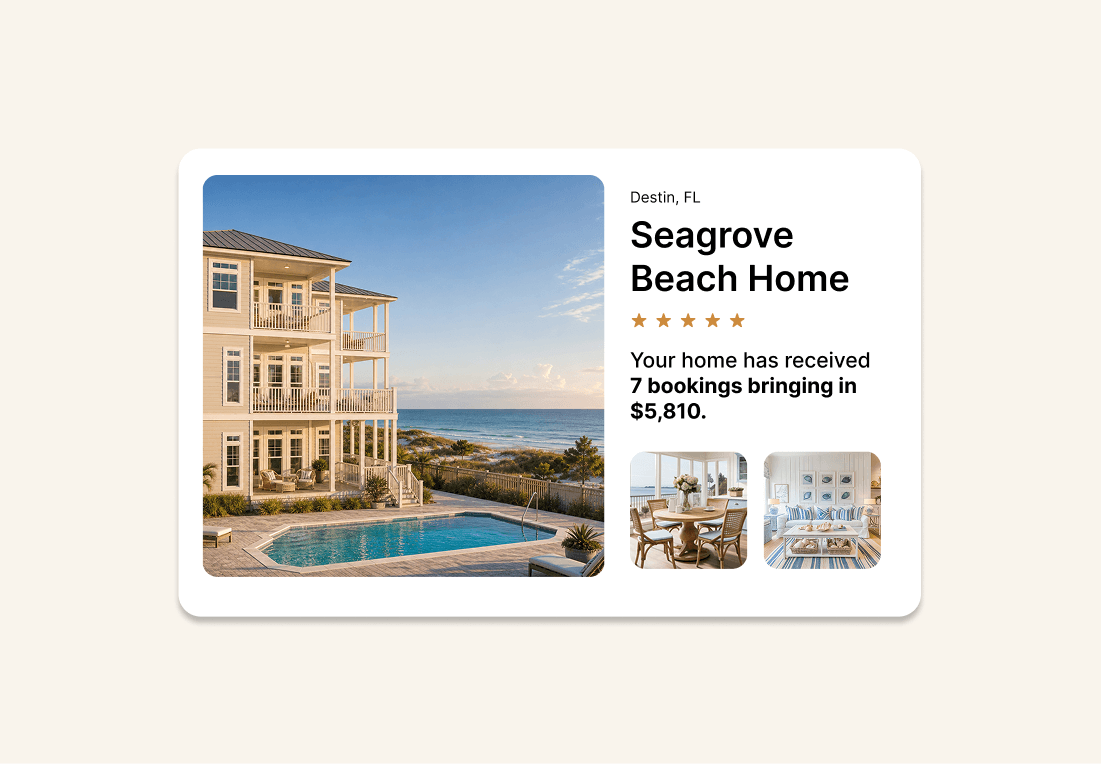
Your active listing links are accessible directly from the dashboard so you can see exactly how your home appears to guests on every platform.
Every Portoro owner has a dedicated Homeowner Success Manager, your primary point of contact for anything related to your property. Their contact card is visible directly inside the Owner Dashboard so you can reach them without hunting for an email address.
You can schedule personal stays and block dates directly from the vacation rental owner portal at any time. Your calendar updates in real time across all channels as soon as a block is added.
Owner distributions are processed through Ramp and scheduled to arrive by the 15th of every month. Your itemized statement is available in the Owner Dashboard by that date, and annual tax statements are also accessible there when needed.
Your rental license status and expiration date are visible directly in the Owner Dashboard, so you always know where your permit stands.
You receive a secure invitation to the Owner Dashboard as part of the Portoro onboarding process. Access is set up during onboarding and your Ramp payment account is verified at that stage as well.
Yes. Links to your active listings on Airbnb, Vrbo, and other channels are accessible directly from the Owner Dashboard once your property is live. You can see how your home appears to guests on each platform at any time.
Your monthly statement includes all rental income, Portoro's management commission, any other fees, and an itemized list of property expenses such as repairs and maintenance. If any repair costs are expected to exceed your agreed threshold, Portoro contacts you for approval before the expense is incurred.